Docs UI
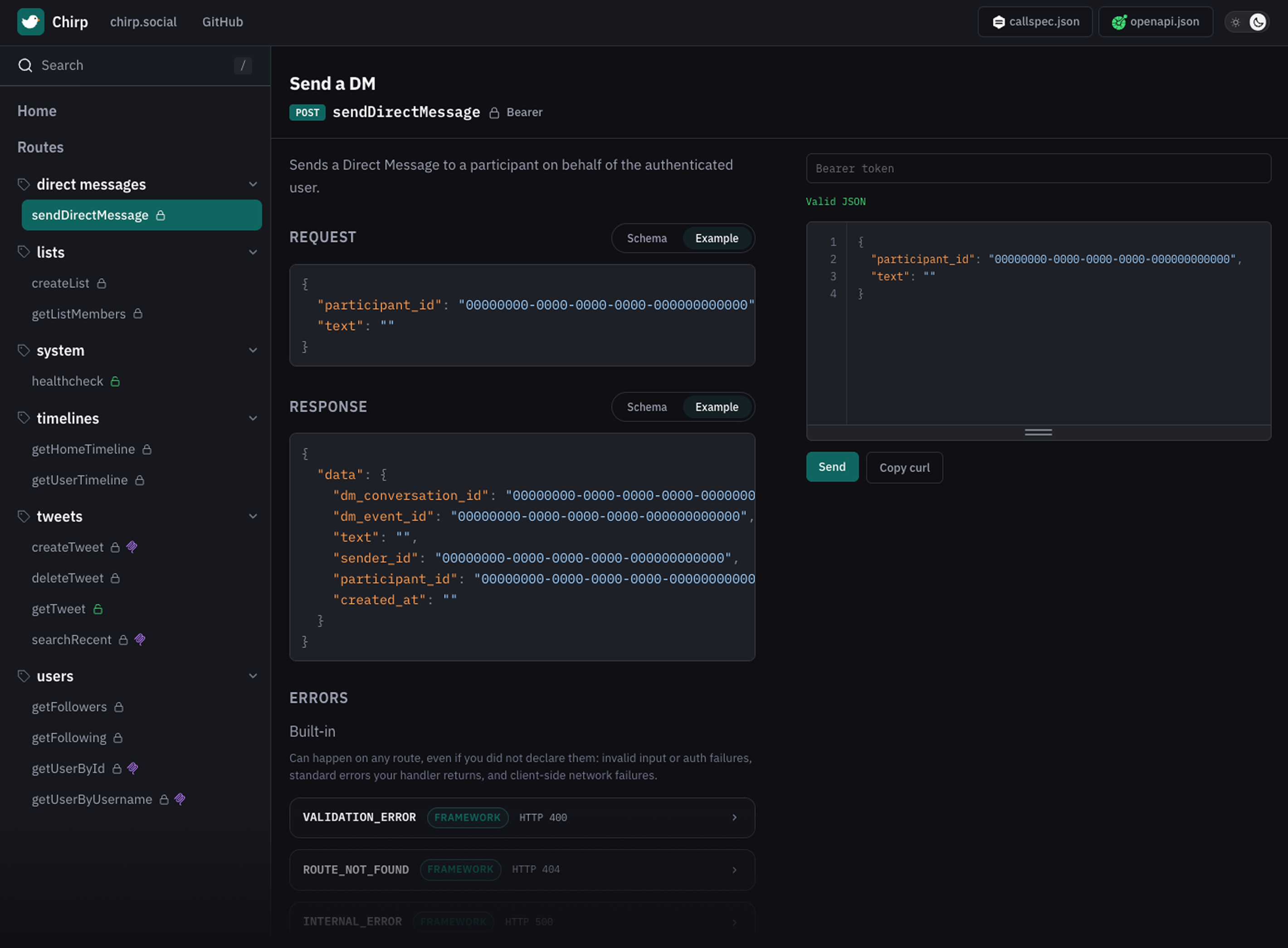
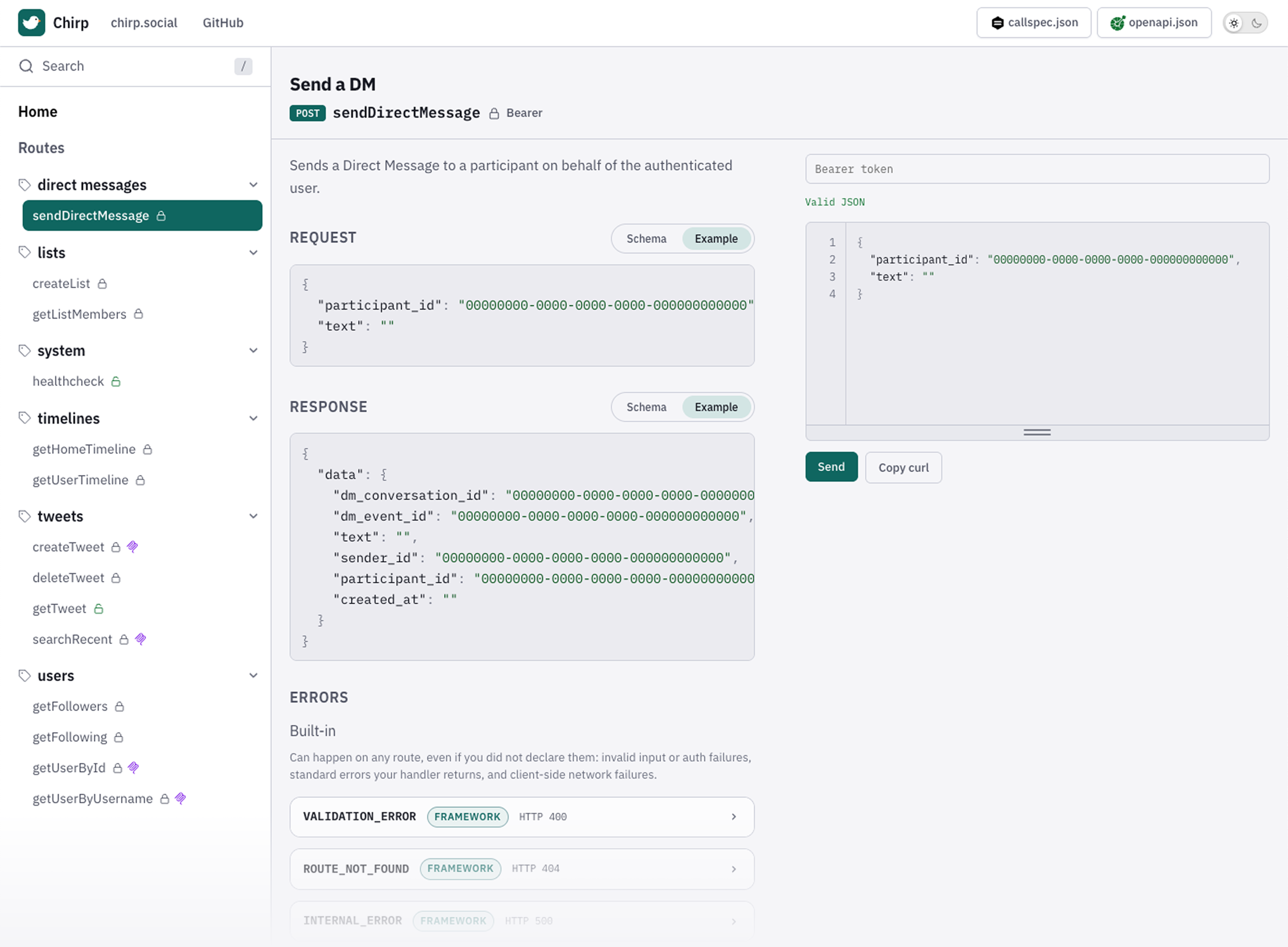
After mountSpec, open {mount}/docs (e.g. http://127.0.0.1:3000/v1/docs) for a white-label explorer over the same routes as your RPC server — try methods, inspect schemas and error codes, and copy MCP client config.
Surfaces on this mount
Section titled “Surfaces on this mount”With docs enabled (default), each API mount exposes:
- Explorer —
{mount}/docs— try routes, inspect schemas and errors; MCP connect on Home when that page is shown callspec.json—{mount}/callspec.json— contract fornpx callspec(SDK generation)openapi.json—{mount}/openapi.json— OpenAPI export (OpenAPI)
Whitelabel title, theme, navbar, footer, MCP/auth hints, optional meta.sdkInstall: Branding.
Minimal setup
Section titled “Minimal setup”Docs are on by default. If you already followed Getting started, the UI is at /v1/docs with no extra config.
mountSpec(router, api); // docs + callspec.json + openapi.json enabledChange only the UI URL (contract paths stay fixed):
mountSpec(router, api, {docsPath: '/explorer'});// UI: /v1/explorer// Contract: /v1/callspec.json// OpenAPI: /v1/openapi.jsonThe UI always fetches ../callspec.json relative to the docs path — renaming docsPath does not rename the contract URL. Full options: mountSpec.
Title, logo, theme, navbar, footer, MCP hints, and escape hatches: Branding.
Hide in production
Section titled “Hide in production”Optional — leave docs on in every environment, or turn them off where you don’t want the explorer / contract JSON public:
mountSpec(router, api, { docs: process.env.NODE_ENV !== 'production',});docs: false disables the UI and /callspec.json and /openapi.json on that mount. If production still needs those JSON files for codegen or gateways, keep docs: true and put the mount behind your own auth or network controls instead.
Auth in the try-it form
Section titled “Auth in the try-it form”Routes with auth: 'bearer' need a token in the UI session (same Authorization: Bearer … your app sends). Public auth: 'none' routes run without one. How auth is wired on the server: Authentication.
Related
Section titled “Related”- Branding —
metatitle, logo, theme, navbar, footer, escape hatches, auth/MCP hints - Hosting (CloudFront / Pages) — reverse proxy vs static export
- MCP —
mcp: trueon routes; connect from the Home panel when Home is shown - OpenAPI —
/openapi.jsonfor gateways and multi-lang tools - SDK generation — TypeScript client from
callspec.json, not from the docs UI